
Stuon for Studying
Getting started
Start with one focused session. Pick the mode you want, set your time, and press start. Stuon keeps the flow simple so you can begin studying without extra setup.
See the core controls first
This walkthrough shows the main timer area and how to begin a study session. You can jump in quickly, start a focused block, and keep the interface centered on studying instead of configuration.
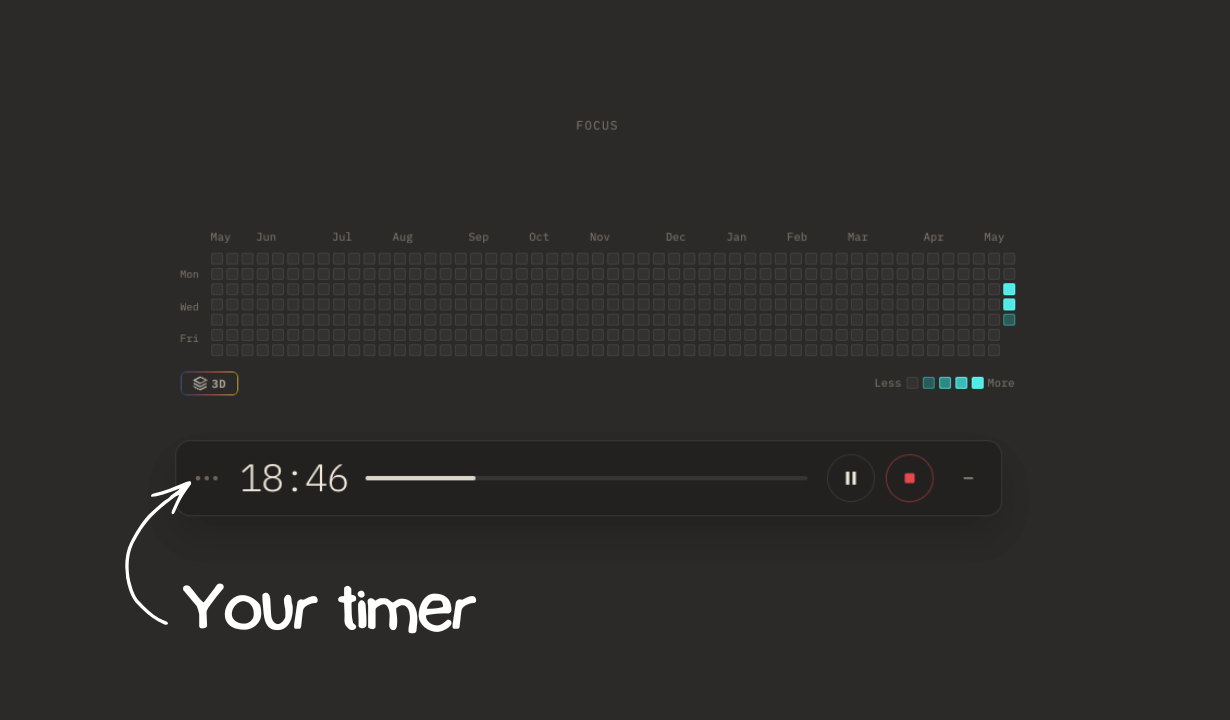
Start your timer
Choose your study duration in the main timer area, then press start to begin the session. This is the place to begin when you want a normal focused study block with a clear countdown.
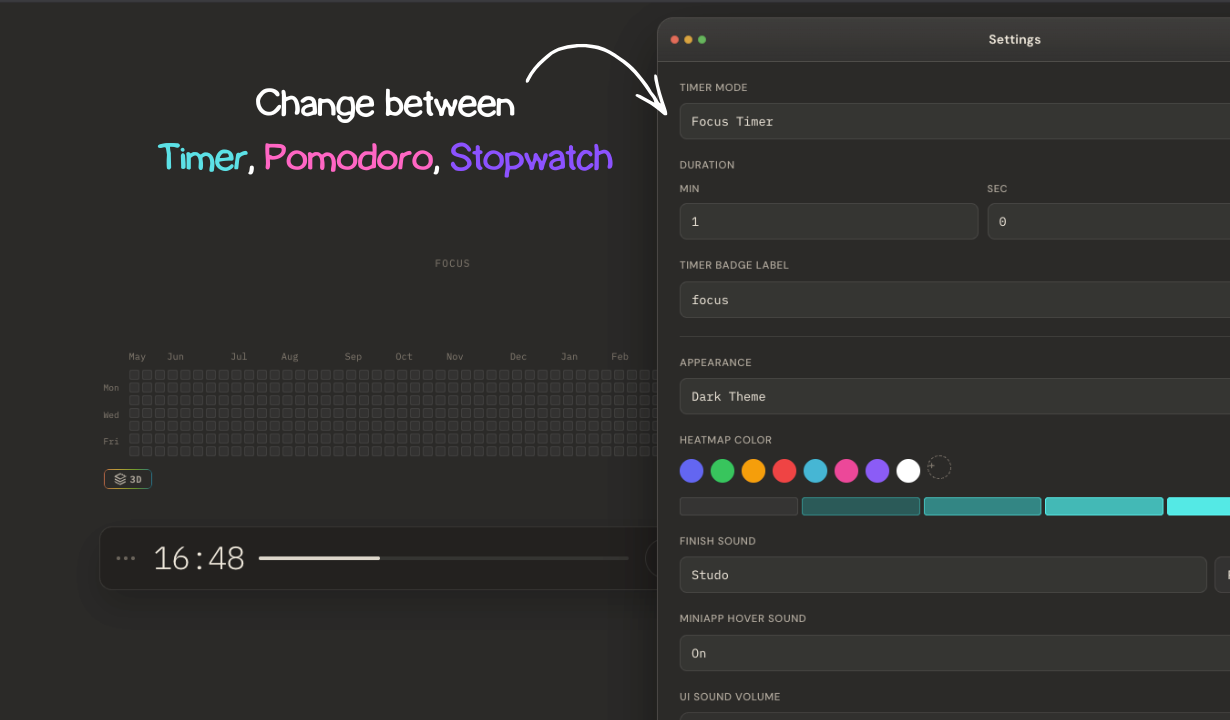
Switch between Pomodoro, Timer, and Stopwatch
Use the mode controls to move between Pomodoro sessions, a regular timer, and stopwatch mode. That makes it easy to study in the format that fits your task without leaving the main workflow.